
Get Your Everything DiSC Questions Answered Here!
Whether you are a brand new Certified Everything DiSC Practitioner or someone who is just starting out, you'll find this page full of helpful information.
Need help? Just email me at [email protected].
Watch the videos to learn how to use Catalyst with your learners, to simplify your administrative processes, and to keep learning
Access the new Catalyst Practitioner Experience Platform FREE for one year
Download activities and short-cuts to make your life easier
Keep growing your Everything DiSC practice
Office Hours Recordings
This Fall, I'm hosting Office Hours to share what's new and to answer your questions.
Visit our Upcoming Events page for dates, times, topics, and login information!
Catalyst Basics Video
See the tools available to your learners including micro-learning modules, comparisons with their colleagues, group reports, and personlized tips for success. (12 minutes)
Catalyst Administrator Platform Video
See how easy it can be to manage your profiles, departments, and groups right within Catalyst. (14 minutes)
Worksmart Management Modules
One-hour management training modules and action plans built right in Catalyst: Giving Feedback, Managing Conflict, Empowering Your Team, Navigating Change, Motivating Your Team. Plus step-by-step scripts makes your job as a facilitator a piece of cake! (14 minutes)
Organizing Your Profiles and Dashboard
The more profiles you order, the crazier your Catalyst Admin and EPIC Dashboards can get. Watch this video to get tips and tricks for organizing your files, as well as deleting former employees, and reclaiming unused credits. (20 minutes)
Catalyst Practitioner Experience
See how you can save time by getting all your facilitation materials for Everything DiSC Fundamentals, Workplace, Agile EQ, Management, and the new Worksmart Modules in one place. Plus, FREE Facilitator Reports, Group Culture Reports, and Comparisons! (10 minutes)
Other Resoures to Fuel Your Thinking
Get
Certified
Build your knowledge, toolkit, and confidence to facilitate workshops, teambuilding sessions, coaching conversations, and more.
UPGRADE Your OLD
Facilitator Kit to the Catalyst Practitioner Experience
Get one year access to the new Catalyst Practitioner Experience Platform with upgraded, downloadable facilitation materials and ongoing learning.
Enroll in the NEW Catalyst Practitioner Experience
Don't have a kit? You can enroll in the new Catalyst Practitioner Experience to get Workplace, Management, and Agile EQ facilitation materials plus ongoing training for one year.
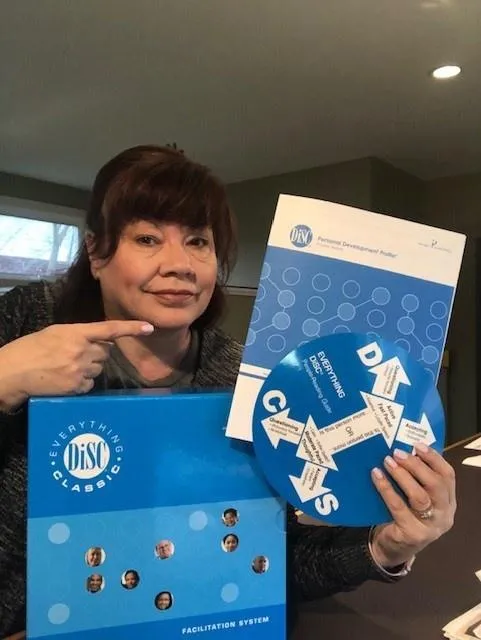
It's time to throw these old DiSC tools away!
Okay, I admit. I don't throw anything away. But, there are so many great new resources available, I think it's time to upgrade!
Whether your looking for new classroom materials, resources to create engaging virtual sessions, tools to create powerful coaching conversations, candidate screening assessments, 360 degree feedback, or turnkey team building materials, I'm here to help.
Feel free to email me at [email protected] to brainstorm ideas or identify ways to achieve your goals.
I appreciate your business and look forward to seeing you soon!
Amy Pearl
Click the images below to achieve your goals.

Assessment
Solutions
Explore our assessments for candidate screening, development, team building, succession planning, and more.
Fabulous
Together
Give the women in your organization the coaching, confidence, and connections they need to have successful careers and a fabulous lives.

e-Learning
Made Easy
Create an amazing learning experience
whether your team is
at the office, at home, or on the go.

Lead
Ignited
Be the best leader you can be
with this award-winning
learning opportunity.
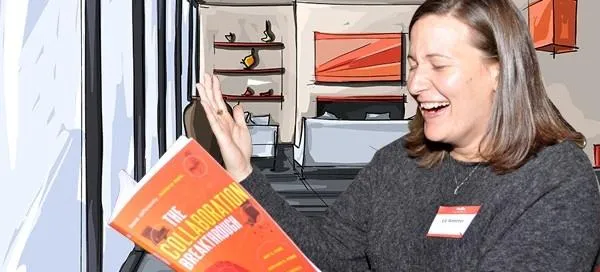
Collaboration
Breakthrough
Create a workplace you love with our best-selling book, employee survey, and interactive team experience.
Coaching
Conversations
Replace your archaic review process
with an online system to
guide GREAT conversations.
Download the Best Interview Questions
for Virtual Job Candidates
Look who's using our assessments today:


Check out our recent news and blog.
20 Ways to Make Your DiSC Workshops More Interactive
How Do I Make My DiSC Workshops More Interactive and Engaging?
Quick Answer:
Stop presenting. Start letting participants immerse themselves in the content. The most engaging DiSC workshops use many, brief, and varied activities that make behaviors visible. That way, people laugh, recognize themselves, have aha moments, engage with their team, and learn without realizing it.
With more than 25 years of facilitating DiSC sessions under my belt, I’ve learned that no one comes to a workshop hoping for a PowerPoint marathon. The magic happens when people recognize their own quirks like the D who makes decision too fast, the i who can’t not talk, the S who’s quietly saving the group, and the C (like me) who’s dying inside because no one’s following the process. Those moments stick because they’re real.
Q: What’s the simplest way to make a DiSC session more interactive?
A: Use “see it, say it, do it.” Here are a couple of examples:
Let your learners see their styles in their Everything DiSC Profiles, say what it means, and do a small group challenge or some digging in Catalyst.
Let managers see and explore a list of motivators, discuss what motivates them, and plan delegation and development strategies based on their team members’ unique styles.
Q. What’s the best pace or timing for a DiSC workshop?
A: My classroom sessions typically run about 3 hours and my virtual sessions run 90-to-120 minutes. I plan for 4 activities per hour, although I might shorten or lengthen them based on the learners’ responses and needs. It’s important to spot when a topic needs more or less discussion or when additional practice is necessary.
Q: What are some quick, high-impact activities?
A: Varying your activities is essential. The best facilitators study their learners’ styles in advance and create activities that appeal to D’s, i’s, S’s, and C’s.
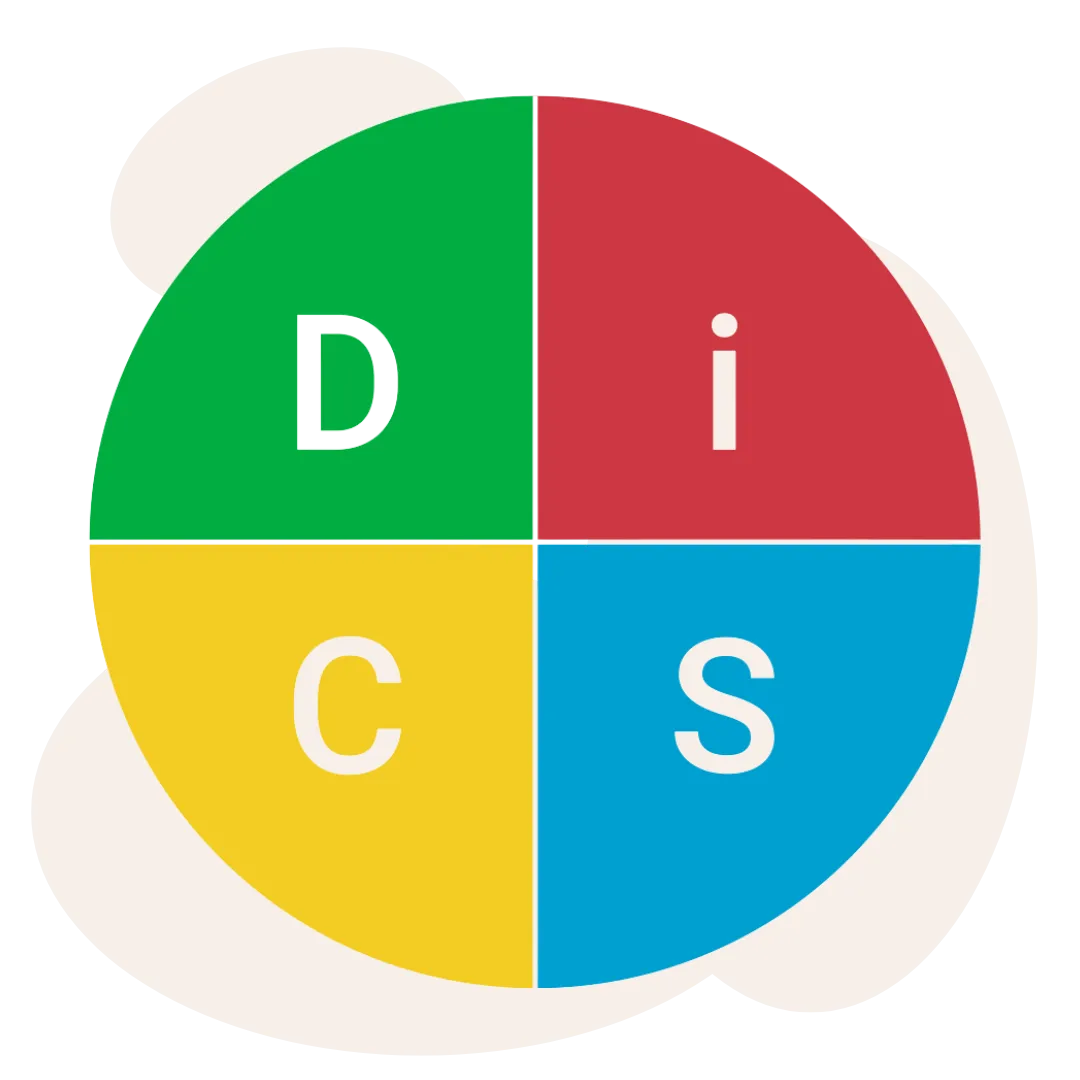
The Four Corners: D's appreciate this fast-track, get the answers on the board activity. Have participants move to their primary style's corner and list their strengths, how those strengths could be misunderstood by others, and how they could avoid those misunderstandings.
Style Spotting Game: I's love to work in breakout groups. Have them read real-life scenarios (“Your coworker sends a 12-step process for ordering coffee.”) and guess which style it is.
Wrong Way/Right Way Videos: S's feel more comfortable when they see it. The videos in the Catalyst Practitioner Experience are exceptional ways to turn theory into real-life examples. These aren’t typical training videos with corny scripts and perfect outcomes. They offer practical ways for learners to spot their own mistakes and how-to's for adapting their styles to be more effective.
Analyze the Team: Give C's the data. Use the Group Culture or Facilitator Profile to take a deep dive into your learners’ composite profiles. Identify how their distribution helps the team, how it gets in the way, and specific actions to increase teamwork.
Q: How can you make a virtual session more engaging?
A: Use all the features your hosting platform has to offer including polls, quizzes, whiteboards, chats, and games. I often play “chat it up” by asking a probing question, putting on some rocking music, and giving learners 3 minutes to type their answers in the chat box. And, don’t forget breakout groups. Very few people speak up on a Teams or Zoom meeting. Get them talking to each other, just as if they were sitting in a small group in the classroom.
Q: How can I make my Everything DiSC sessions pop?
A: You don’t need big props - just prompts. In fact, when I go to my clients’ sites to deliver a workshop, I take their Profiles, a flashdrive with my videos (no PowerPoint), my Quick DiSC Card Sort game, flip chart paper, and of course, my favorite scented markers! The real magic happens when you ask the questions that get them thinking, talking with each others, and creating specific and actionable next steps.
Q: How can technology support my Everything DiSC workshops?
A: Get your learners using Catalyst before, during, and after the session. Assign light prework to study their own profiles. During the session use Catalyst’s “Your Colleagues” or “Your Groups” features to turn the workshop into a live lab. Have participants explore their teammates’ profiles and compare insights right in the tool. Imagine their reaction when you say, “okay everyone, let’s get on your phones!”
👉 Download: Click here to get my FREE DiSC Facilitators Dream Kit. I’ve compiled 20 interactive activities to add more spark to your next session.