










360 Degree Feedback
Whether you're looking for full service 360 administration, one-on-one 360 debriefs, or the tools to do-it-yourself, you've come to the right place.
We've combined everything we've learned from facilitating the 360 process for the last two decades and created this 360 Success Kit.
Download it today to get started!

Download Our 360 Success Kit
We'll guide you every step of the way!
360 process in 4 easy steps.

Design Your Assessment
Customize your competencies, questions, and your report format to reflect your values and brand.

Administer Your Surveys
Although most of our clients have us take care of the administration, our software makes it easy to do it yourself. We'll even train your feedback providers.

Debrief Your Participants
We host one-on-one coaching sessions to review results, manage emotions, and develop action plans for success.

Analyze Your Results
We'll evaluate the aggregate data from your participants' results to provide ideas for future organizational development efforts.
Look who's using our 360's!



Get up and running fast!
It's easier to get started with 360 degree feedback than you think. We can be ready to launch in just
a few days. Schedule a call with us and we'll show you how.
Click the images below to achieve your goals.

Assessment
Solutions
Explore our assessments for candidate screening, development, team building, succession planning, and more.

Fabulous
Together
Give the women in your organization the coaching, confidence, and connections they need to have successful careers and a fabulous lives.

e-Learning
Made Easy
Create an amazing learning experience
whether your team is
at the office, at home, or on the go.

Lead
Ignited
Be the best leader you can be
with this award-winning
learning opportunity.

Collaboration
Breakthrough
Create a workplace you love with our best-selling book, employee survey, and interactive team experience.

Coaching
Conversations
Replace your archaic review process
with an online system to
guide GREAT conversations.
Download the Best Interview Questions
for Virtual Job Candidates
Look who's using our assessments today:



Check out our recent news and blog.

How to Use DiSC to Strengthen Year End Performance Reviews
How can you use DiSC to strengthen year-end reviews?
Quick Answer:
Use DiSC to turn year-end reviews from stressful scorecards into meaningful coaching conversations. When leaders adapt their approach based on each team member's DiSC style, feedback feels personal, not perfunctory.
I recently asked my social media followers to tell me the one workplace practice they wish would disappear forever. You know what the answer was? Performance Reviews. That's probably not surprising as it seems that year-end conversations have become a paintful routine. It's easy to change that!
Let's use Everything DiSC to make it easy for managers to recognize, celebrate, and develop each team member based on their unique DiSC styles, turning year-end reviews into personalized, motivating, meaningful conversations. Share these simple steps with your leaders.
Prepare for the Conversation with Everything DiSC on Catalyst
Everything DiSC on Catalyst helps you to:
Frame feedback in ways that land effectively
Ask more effective questions based on work styles
Have development conversations that inspire action
Set goals that align with how people work best
Before you start filling out your organization's obligatory review templates or you hold your review meetings, take 10 minutes to hop on Catalyst to prepare.
Prep Step 1: Use Everything DiSC on Catalyst to Personalize Your Approach
The Colleagues feature will provide specific information about team members' strengths, motivators, how they might be misunderstood, and how they can be more effective.
The Management feature will provide extensive suggestions for giving direction, delegating, developing, and creating a motivating environment for your team members.
Prep Step 2: Capture Key Insights
Make quick notes for each employee:
Their DiSC style: ______
Greatest accomplishments this year → ______
How their DiSC strengths contributed → ______
What motivates them most → ______
One area to support or stretch next year → ______
Prep Step 3: Personalize Your Comments and Recognize Accomplishments by Style
Frame comments around what they value, not what you value. Use DiSC to deliver recognition that feels personal and genuine:
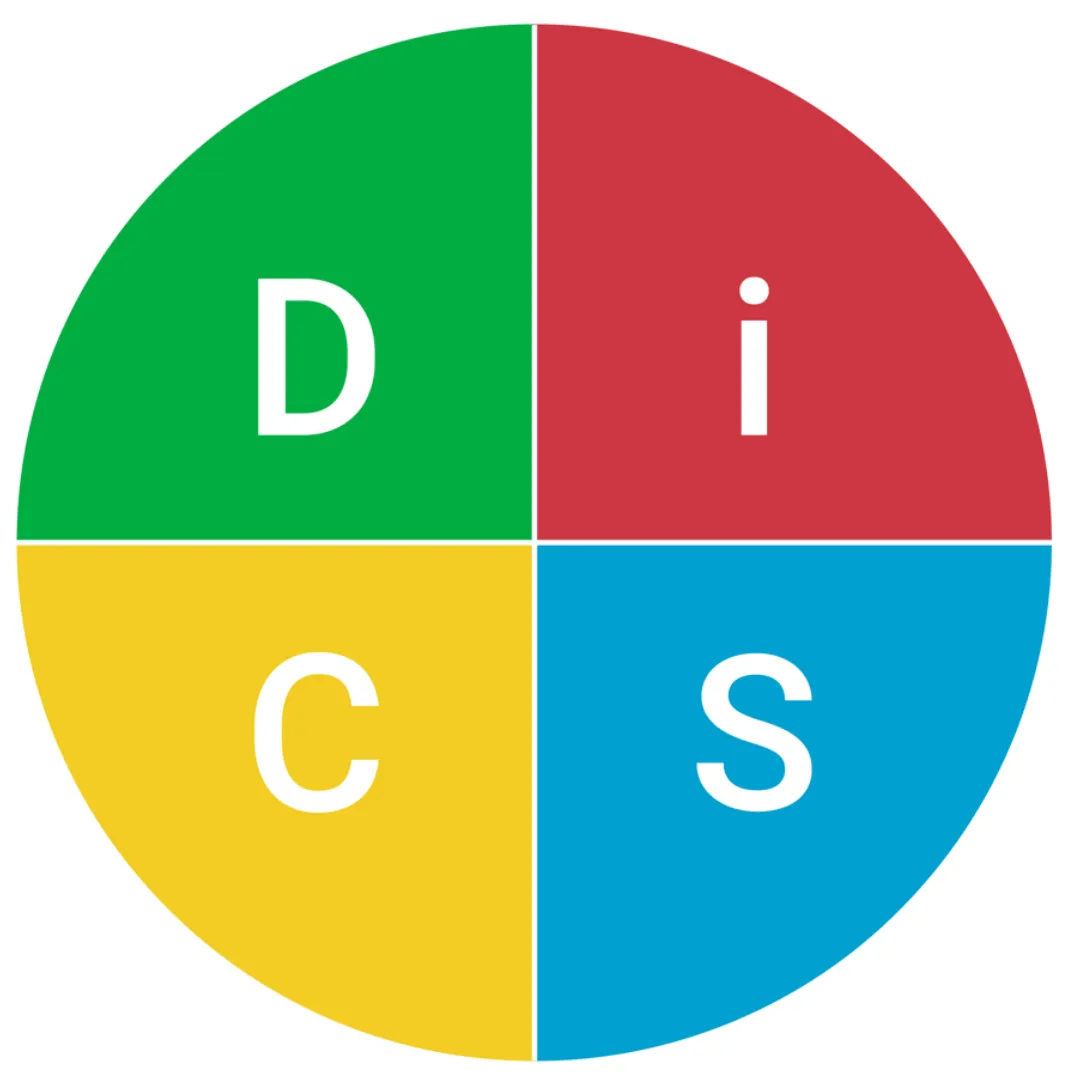
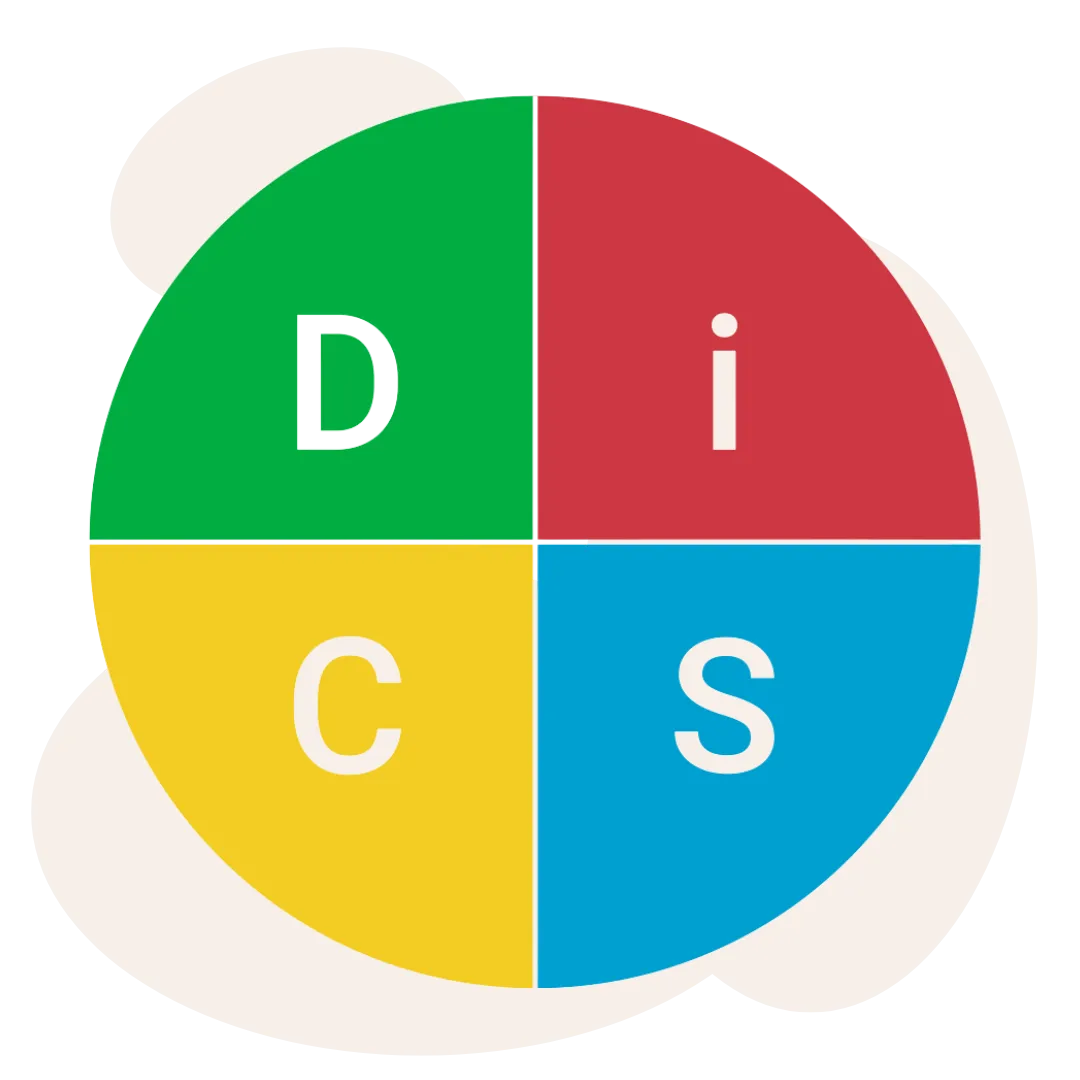
D – Dominance: Emphasize achievements, efficiency, results, bold decisions
i – Influence: Emphasize creativity, collaboration, optimism, relationship-building
S – Steadiness: Emphasize consistency, dependability, teamwork, helpfulness
C – Conscientiousness: Emphasize accuracy, planning, expertise, high standards
Tip: Pair recognition with one or two concrete examples from the year. Specificity makes praise believable and shows you've been paying attention.
Structure the Year End Conversation
I want you to have GREAT Conversations. Follow this GREAT Conversation Framework to balance recognition and growth. Remember to weave in what you learned on Catalyst.
Goals: What progress did the team member make toward their professional and personal goals this year?
Recognition: What accomplishments would you like to celebrate? What projects/tasks gave the team member the most energy? How did the team member's strengths show up in that work?
Effectiveness: What would the team member like to do better, differently, or more often in the coming year?
Advancement: How could the team member advance along a career path? How can we advance as an organization? How can I advance as a leader to support the team member better?
Targets: What would the team member like to accomplish this year professionally and personally? And, to keep the conversation rolling: What targets will the team member accomplish before you meet again? What can the leader do for the team member before you meet again? [You might have to hold off on answering these questions until you actually have the year-end conversation.]
For a strong two-way dialogue, ask team members to think about their own answers to these questions and start with their perspectives first. Then, add your thoughts during the conversation.
Ask Probing Questions
To deepen the discussion, ask probing questions that are aligned with your team member's DiSC style. You'll speak their language, demonstrate that you understand them, and show that you value what's important to them.

Maintain the Momentum
Follow up after reviews with one or two Catalyst-based micro-habits:
Compare your styles using the Your Colleagues feature
Review What Drives You in the Workplace feature to identify priorities, motivators, and stressors and how they impact team members at work
Add the Management or Agile EQ Modules for expanded learning
Create Your Group and explore the Conversation Starters with your team to strengthen teamwork
Schedule quarterly check-ins, using Everything DiSC on Catalyst and the GREAT conversation framework to keep it rolling
Key Takeaways for Your Year End Conversations
Use Everything DiSC on Catalyst and follow Prep Steps 1, 2, and 3 as described above
Structure your GREAT Conversations
Adapt your approach, comments, and questions to individual styles
Maintain your momentum with follow up Catalyst activities and conversations
Remember, the goal is a productive dialogue, not just a completed review form.
Need an Extra Boost? Save 25% on our Worksmart management training modules until January 5th!
Spend some time in the Giving Constructive Feedback Worksmart module and create a personalized action plan for each team member. You'll get tailored strategies, specfic language, and real-time guidance. Click here to check out Worksmart.
Not using Catalyst yet? FREE upgrades MUST be assigned by December 31, 2025!
Catalyst is an online platform that provides your Everything DiSC learners dozens of micro-learning modules. They can also create comparisons with their colleauges and group reports to get personalized tips for building relationships, handling tense situations, influencing others, giving direction, delegating, and more.
If you have Everything DiSC Profiles just sitting in an EPIC dashboard, you can ugprade them to Catalyst for FREE if you act fast. The free upgrade period expires on December 31st!